Prepare both clips
Choose a source face with a clear outline and consistent lighting. Pair it with a target video where the subject is visible for most of the useful sequence. Trim distractions and avoid footage with heavy motion blur.
Video workflow
Remaker ai face swap video workflows are easier to review when you prepare the source carefully, choose a suitable target clip, and inspect the result frame by frame.
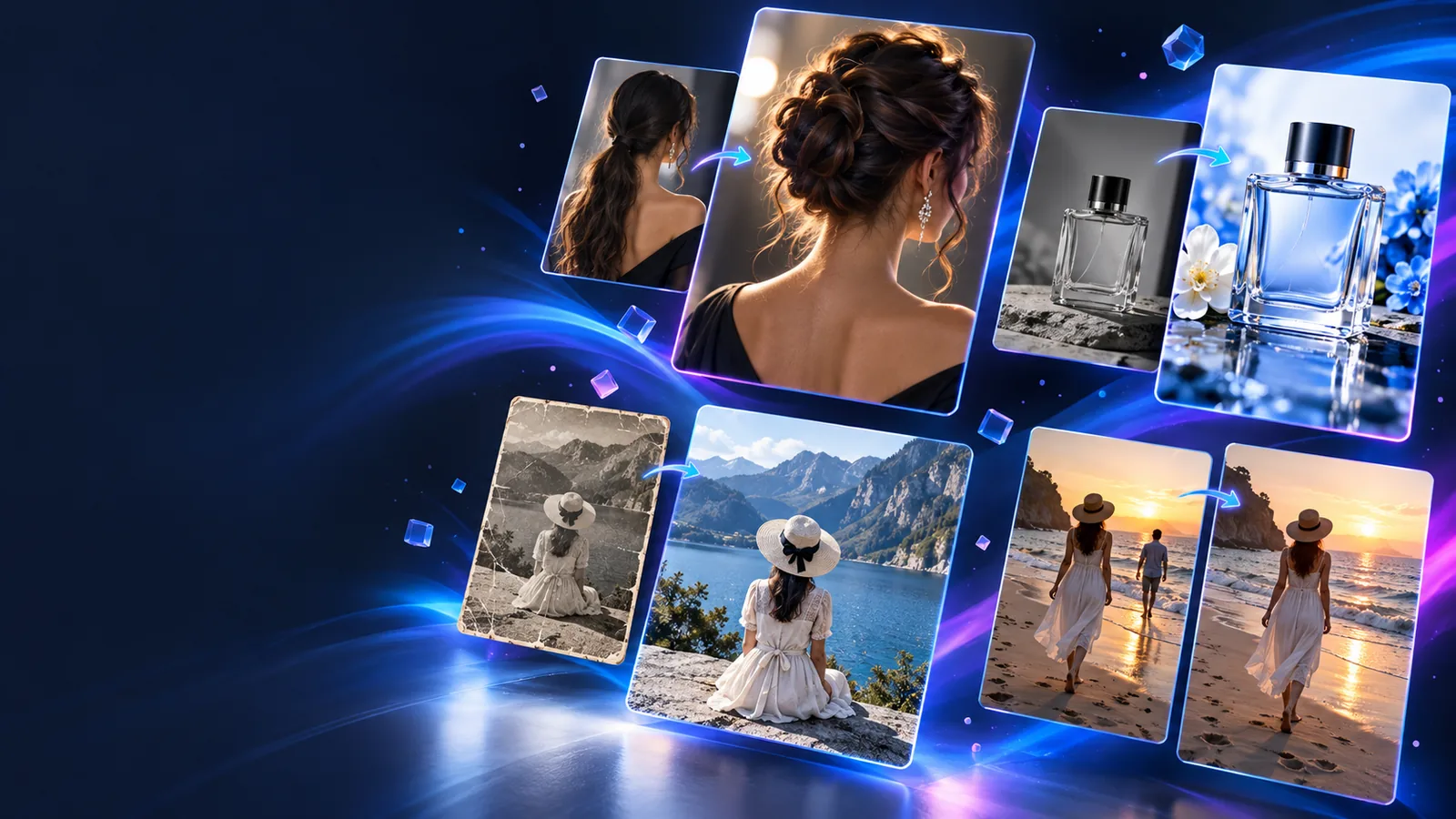
Related tools
A strong result starts with compatible media and a clear purpose for the edit.
Use this broader overview to understand the core face replacement workflow before working with moving footage.
Compare the still-image process when you need to test a face pairing before moving to video.
Explore a separate editing route when the main goal is changing the scene rather than the face.
Use enhancement guidance when a soft, noisy, or compressed source needs attention before editing.
Working method
Treat the edit as a short review loop: prepare, process, then inspect before deciding whether the clip is ready.
Choose a source face with a clear outline and consistent lighting. Pair it with a target video where the subject is visible for most of the useful sequence. Trim distractions and avoid footage with heavy motion blur.
Upload or provide the source and target media through the available Remaker workflow, then keep the intended use in mind. A short, focused clip is easier to evaluate than a long sequence with many scene changes.
Check the opening, middle, and final moments for alignment, expression changes, lighting differences, and edge artifacts. If the result is uneven, adjust the source or target selection before sharing it.
Source selection
These two source profiles show why some video inputs are easier to review than others.
Clean source video
Face remains visible for most of the clip
Challenging source video
Face is often covered, cropped, or turned away
Clean source video
Even light with moderate contrast
Challenging source video
Strong backlight, flicker, or deep shadows
Clean source video
Controlled movement and limited blur
Challenging source video
Fast turns, shaking, or frequent blur
Clean source video
Natural expressions with visible features
Challenging source video
Extreme expressions or partially hidden features
Clean source video
Stable scene with little visual clutter
Challenging source video
Crowded background or rapid scene changes
Clean source video
Easy to inspect at several points
Challenging source video
Requires closer frame-by-frame checking
Output review
A polished-looking first frame does not guarantee a consistent result across the whole video.
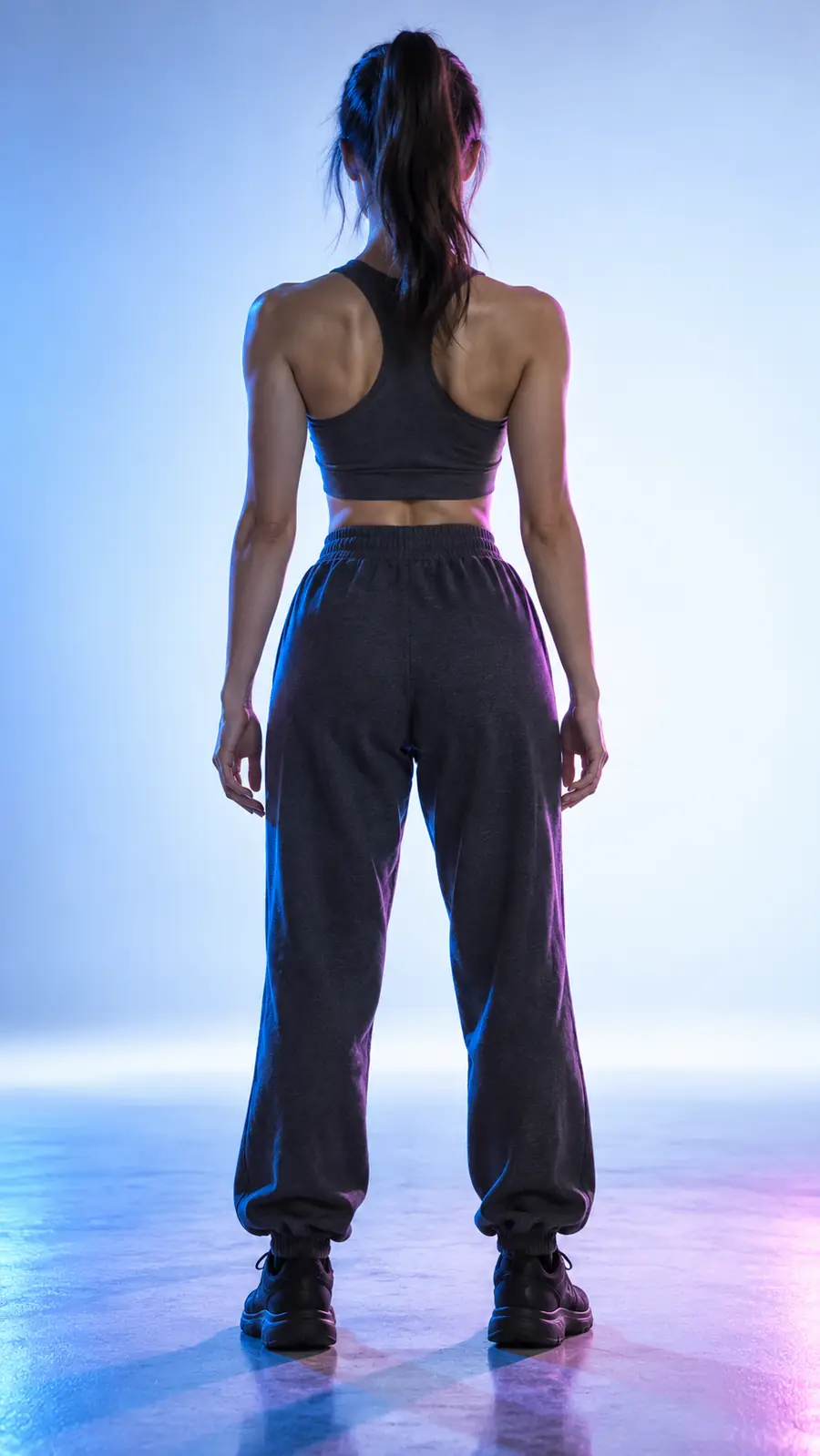
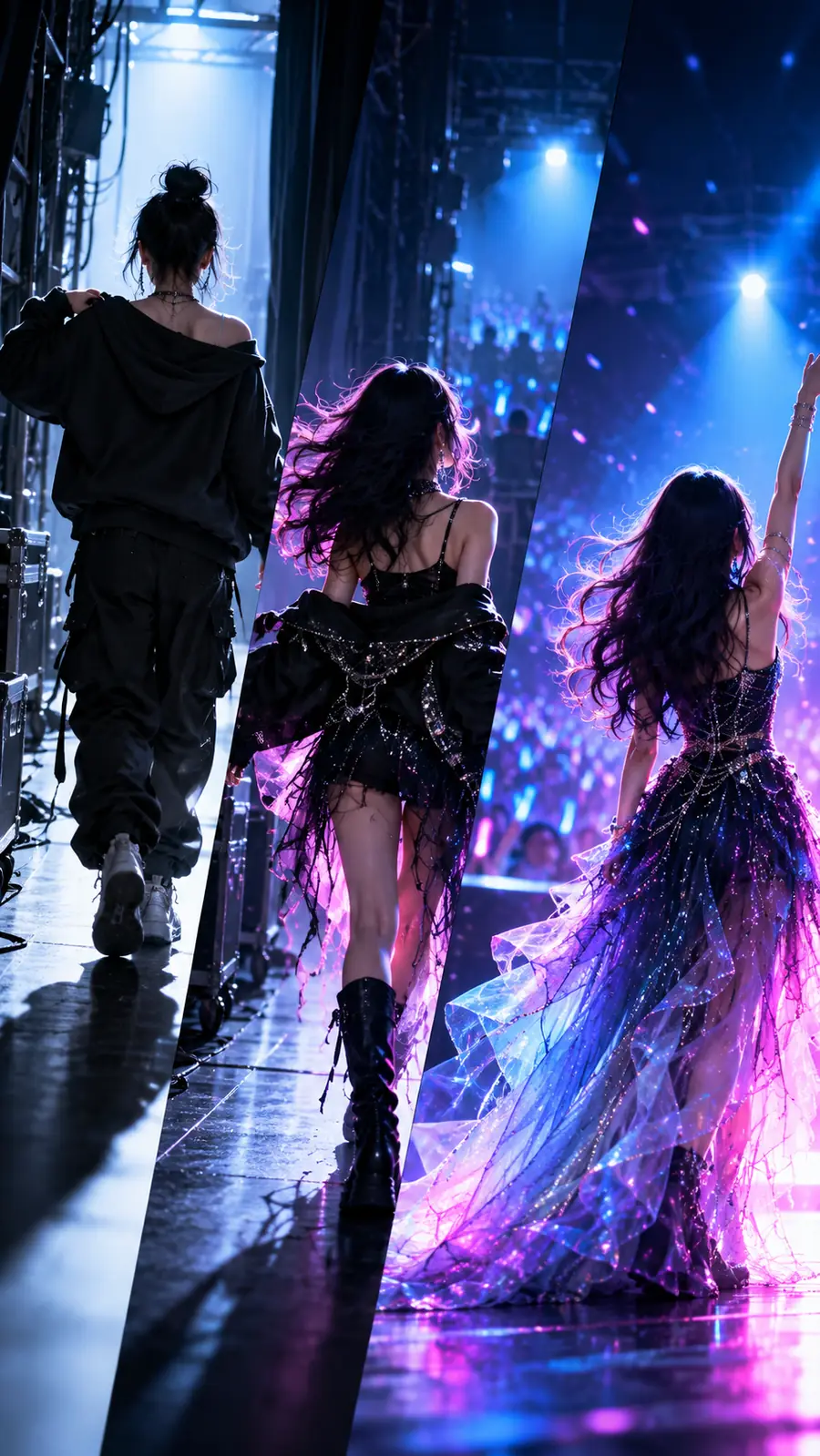
Compare the face at the start, middle, and end of the sequence. If identity, edges, or lighting drift, try a clearer source clip or a simpler target.
Bring a suitable source face and target clip together, then use the output as a draft to review rather than assuming every frame will be perfect. Remaker ai face swap video results are most useful when you keep the edit focused and check the complete sequence.
Common questions
It is used to create a face-swapped version of video footage by pairing a source face with a target clip. Typical uses include concept previews, short creative edits, and visual experiments, followed by a careful review of the output.
A video with clear facial visibility, steady lighting, limited motion blur, and few obstructions is generally easier to work with. Shorter clips with fewer scene changes also make it simpler to judge consistency.
Fast head turns, covered features, changing light, crowded backgrounds, and compression can make the result vary across frames. Check several points in the clip instead of judging only the opening image, then try cleaner source material if needed.
Inspect the beginning, middle, and end for facial alignment, expression changes, edge quality, and lighting continuity. Only use or share the result after confirming that the edit is appropriate and that you have permission to use the source media.