Remaker

Still-image guide

Plan a remaker ai face swap photo with clearer expectations

A photo face swap starts with two still images and a decision about which face belongs in the final picture. This guide helps you choose images, assess the edit, and recognize when a different task needs a different approach.

Available tools may vary by destination

This entry point vs the general one

Start with the medium you need to edit. A still portrait calls for different checks than moving footage, a background change, or general image improvement.

Portrait editor

You have one target portrait and a separate face reference. Keep track of which image supplies the face and which supplies the scene.

For a broader overview of face-swap tasks, remaker face swap covers the general workflow rather than only still portraits.

remaker face swap

Video creator

Your subject moves, turns, or changes expression across a clip. Checking one frame cannot tell you whether the edit holds up over time.

For moving footage, remaker ai face swap video addresses the additional challenge of consistency across frames.

remaker ai face swap video

Campaign designer

The person's face is already right, but the setting behind them is wrong. A face replacement would not solve the actual problem.

For changes to the scene, remaker ai background changer focuses on the surroundings instead of facial identity.

remaker ai background changer

Archive keeper

An older portrait looks soft or noisy, but you do not want to replace anyone's face. Preserve the subject before considering a different edit.

For image quality rather than identity, remaker ai enhancer is the more relevant topic.

remaker ai enhancer

The 3 things only a still image needs

Unlike a clip, a single photo lets you concentrate on one chosen frame. These three checks make that narrow task easier to describe and review.

Choose a clear face reference

Pick an image where the source face is visible and not heavily obscured. A similar head angle and expression may help the replacement look more coherent; a tiny or blurred reference gives less useful detail.

Choose the target portrait

Identify the photo whose pose, clothing, and surroundings you want to retain. Tell the editor which image is the reference and which is the target so their roles are not confused.

Inspect the finished frame

Check the hairline, eyes, jaw, shadows, and edges at normal size and close up. A plausible thumbnail can still reveal mismatched lighting or distorted features when enlarged.
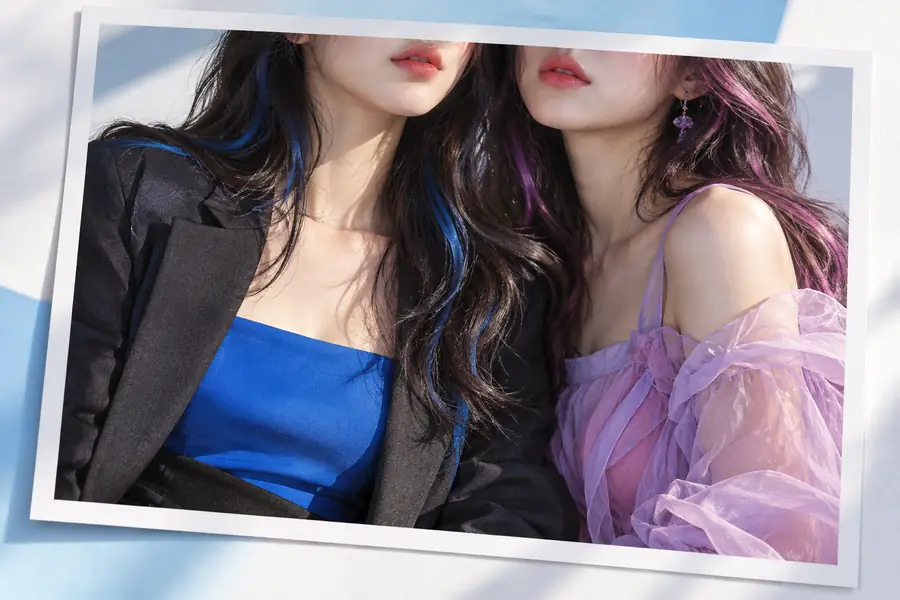
What to inspect before and after

Treat any visual example as a prompt for inspection, not proof that every pair of portraits will produce the same result.

Reference view

Illustrative image-editing example used as a reference for visual inspection
Illustration associated with the still-photo face-swap guide
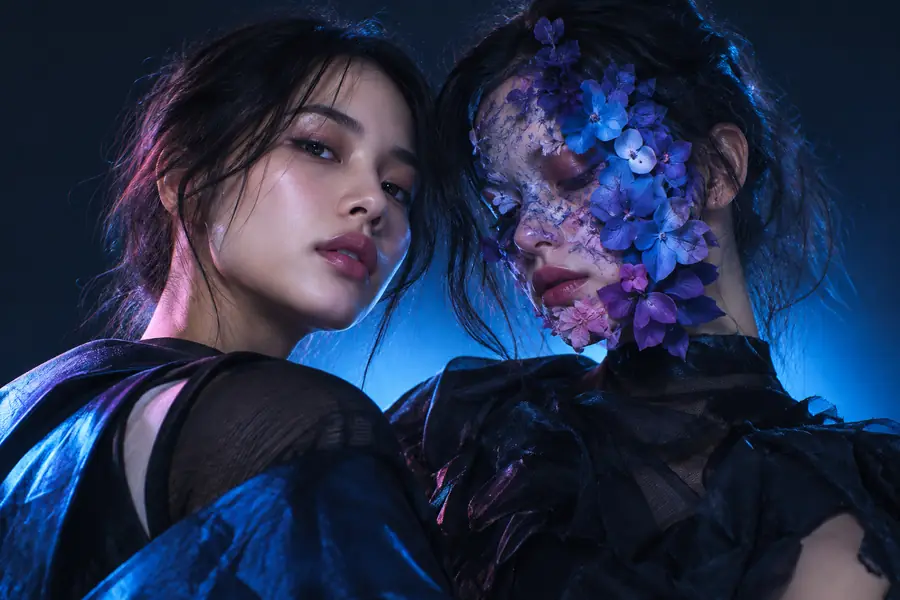
Illustrative result

These are illustrative images, not a verified before-and-after result from the same source photos. With your own images, compare facial edges, light direction, skin tone, and whether the target scene remains intact.

Limits

A still-image approach cannot fix every mismatch. Check the source material and the intended use before relying on an edited portrait.

One frame cannot validate a video

A convincing photo says nothing about how a face will look while the subject moves or turns.

WorkaroundUse a workflow intended for video, then inspect multiple points throughout the clip.

Hidden details cannot be recovered reliably

Hair, hands, glasses, strong shadows, or a profile view may conceal facial features needed for a natural-looking edit.

WorkaroundChoose a clearer reference with a closer angle, or accept that the original portrait may not suit the edit.

An edit does not establish consent

A realistic replacement can misrepresent a person even when it looks technically convincing.

WorkaroundGet permission from the people depicted, and disclose material edits when viewers could otherwise mistake the image for an authentic photograph.

A face swap is not general restoration

Replacing a face will not necessarily repair blur, compression, damage, or poor exposure elsewhere in the photo.

WorkaroundAddress image quality separately, and compare the edited version with the original before sharing it.

Continue with a clear photo brief

Take your still-image brief to the next step

If you have permission to use both images, bring a clear reference and a target portrait to the linked destination. Describe which face should change and which parts of the target photo should remain; check the available tools before submitting images.

  • Identify the reference and target separately
  • Keep the intended scene and lighting in mind
  • Review the result before sharing

Photo face-swap FAQ

Choose a reference with a clearly visible face and a target photo that shows the pose and scene you want to keep. Similar angles and lighting can make an edit easier to assess, but they do not guarantee a natural result.

A group photo needs extra care because you must identify the intended person unambiguously. Check every face in the result to make sure no one else was changed or distorted, and obtain the appropriate permissions before editing.

A mismatch in head angle, expression, light direction, sharpness, or skin tone can make the replacement stand out. Compare the hairline and jaw as well as the central facial features; a different reference may be more useful than repeated edits with a poor match.

No. A face swap concerns the identity shown in the target image, while a background change concerns the setting around the subject. Decide which part of the picture actually needs to change before choosing a task.

No. A still image lets you inspect one pose and one lighting condition, but it cannot show whether a replacement remains consistent as a person moves. Video needs its own review across multiple frames.

Start creating
Start creating