Choose the source
Use an image where the main subject is visible against enough contrast to distinguish its outline from the background.
Image editing guide
The remaker ai background changer workflow starts with a clear subject image, separates the foreground from its setting, and lets you test a more suitable background.

Use a selected face in another image while keeping the surrounding composition in view.
Explore how a face replacement workflow changes across moving footage and multiple frames.
Compare a still-image face replacement process with a background-focused edit.
Improve clarity and visible detail after a background change has been made.
A clean source image and a specific scene brief make the first pass easier to judge.
Use an image where the main subject is visible against enough contrast to distinguish its outline from the background.
Name the place, mood, lighting, and important objects you want behind the subject. Keep the request concrete rather than adding unrelated effects.
Review hair, hands, thin objects, shadows, and reflections before accepting the result. These areas reveal whether the separation feels natural.
These paired choices describe a practical pass: preserve the subject first, then decide how strongly the surrounding scene should change.
Subject-preserving edit
Keep the person or object recognizable
Scene-led edit
Make the new setting the visual focus
Subject-preserving edit
Short description with place and lighting
Scene-led edit
Detailed description with atmosphere and composition
Subject-preserving edit
Prefer a conservative result around fine details
Scene-led edit
Accept more variation when the scene is stylized
Subject-preserving edit
Retain a believable contact shadow where possible
Scene-led edit
Ask for lighting that matches the replacement scene
Subject-preserving edit
Clear subject with moderate contrast
Scene-led edit
Simple subject that can support a dramatic setting
Subject-preserving edit
Does the subject still look like the source?
Scene-led edit
Does the subject belong in the new environment?
Different people ask the background editor to solve different composition problems. Choose the brief that matches the intended result, then refine only what looks wrong.
Place a single item in a clean studio or seasonal setting without changing its shape.
The product remains the reference point while the scene supports a clearer presentation.
remaker ai enhancerMove a portrait from an indoor wall to an outdoor, editorial, or travel setting.
The portrait gains a new context while facial details and pose remain central.
remaker ai face swap photoBuild a still background concept before adapting the idea to moving content.
The visual direction is easier to test before considering a video workflow.
remaker ai face swap videoTry a surreal location, color palette, or themed environment around a familiar subject.
The change feels intentional when the prompt names both the subject and the scene logic.
remaker face swapA before-and-after comparison is useful because a convincing scene depends on more than swapping the pixels behind a subject.
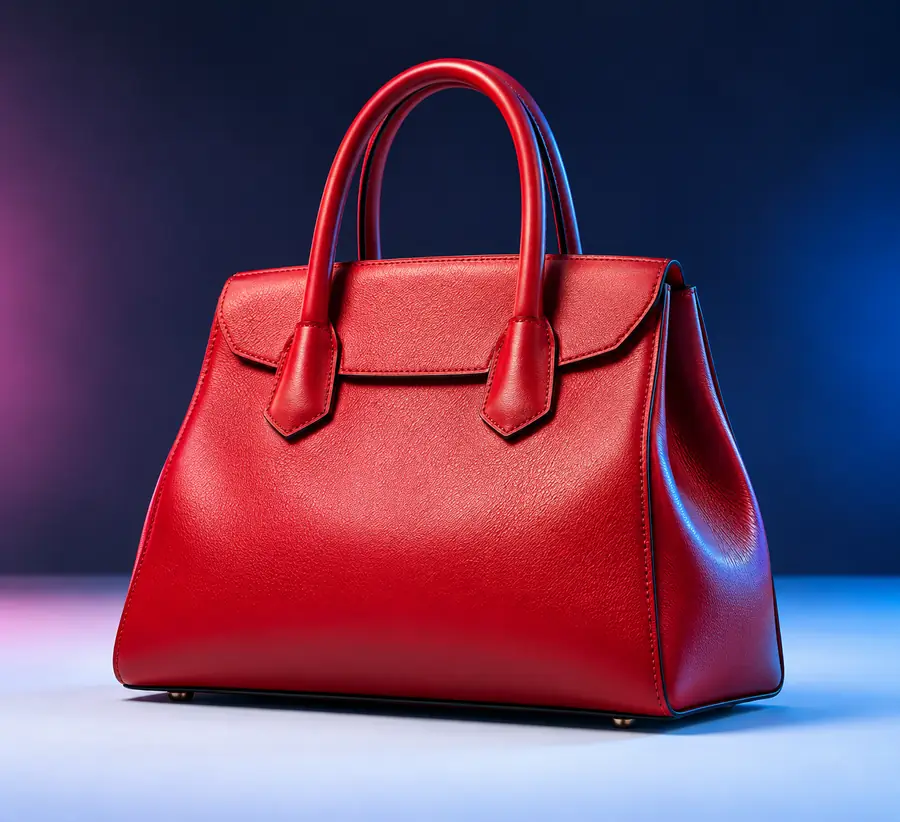

Check subject edges, scale, lighting, and contact shadows together; a clean cutout can still look misplaced if the new scene disagrees with the source image.
Start with a clear subject, describe the setting precisely, and inspect the result before sharing it. The workflow is most useful when the background supports the subject instead of competing with it.
These answers address common questions people ask when evaluating a remaker ai background changer workflow.
It changes the setting behind a person, object, or other foreground subject in an image. The quality of the result depends on the source image, the subject’s edges, and how specifically the replacement scene is described.
That is the right goal for a subject-preserving edit, but the result should still be reviewed carefully. Hair, transparent objects, shadows, and reflections can be altered when the foreground and new background are difficult to separate.
Describe the location, mood, lighting direction, color palette, and any important objects that should appear behind the subject. Mention what must stay unchanged, such as the product shape, pose, clothing, or facial identity.
The replacement can feel wrong when its perspective, scale, color temperature, or shadows disagree with the original subject. A simpler scene brief and a source image with clearer separation often make the next pass easier to judge.